Introduction
Welcome to ARKK Labs. These guides walk you through the core concepts, setup, and best practices for integrating with the ARKK Labs platform. Dispatch your first outbound call or build automated call campaigns at scale — start here to understand how the platform works before diving into the API reference.
Sign in to ARKK Labs at https://app.arkklabs.com. Need access? Complete the ARKK Labs Onboarding to register.
Setup your Internal Departments
Add company phone contacts (transfer options) and assign them to an agent directory to make them available to your agents.
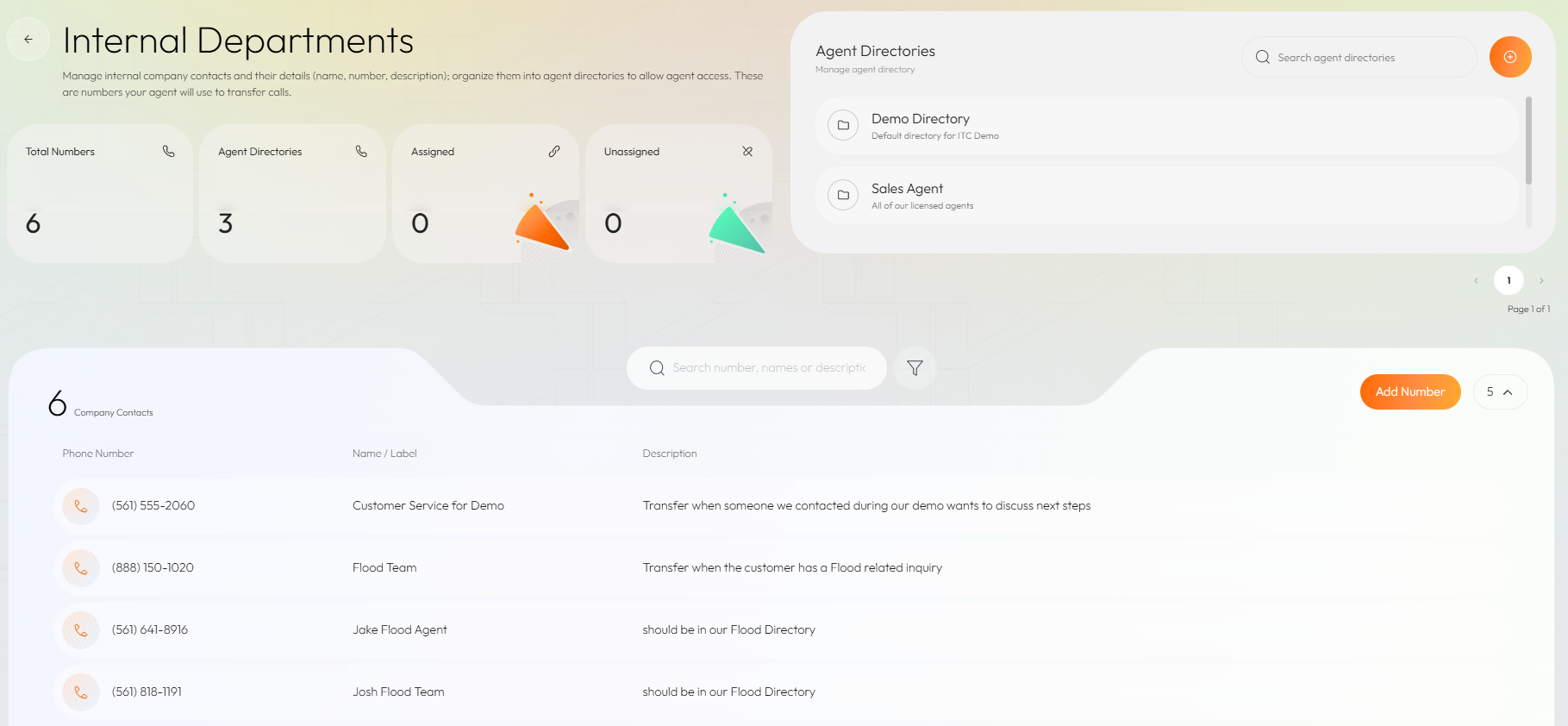
Adding a Company Contact
A company contact is any phone number that ARKK Phone Agents can transfers calls to, such as your Customer Service team, Help Desk, or yourself.
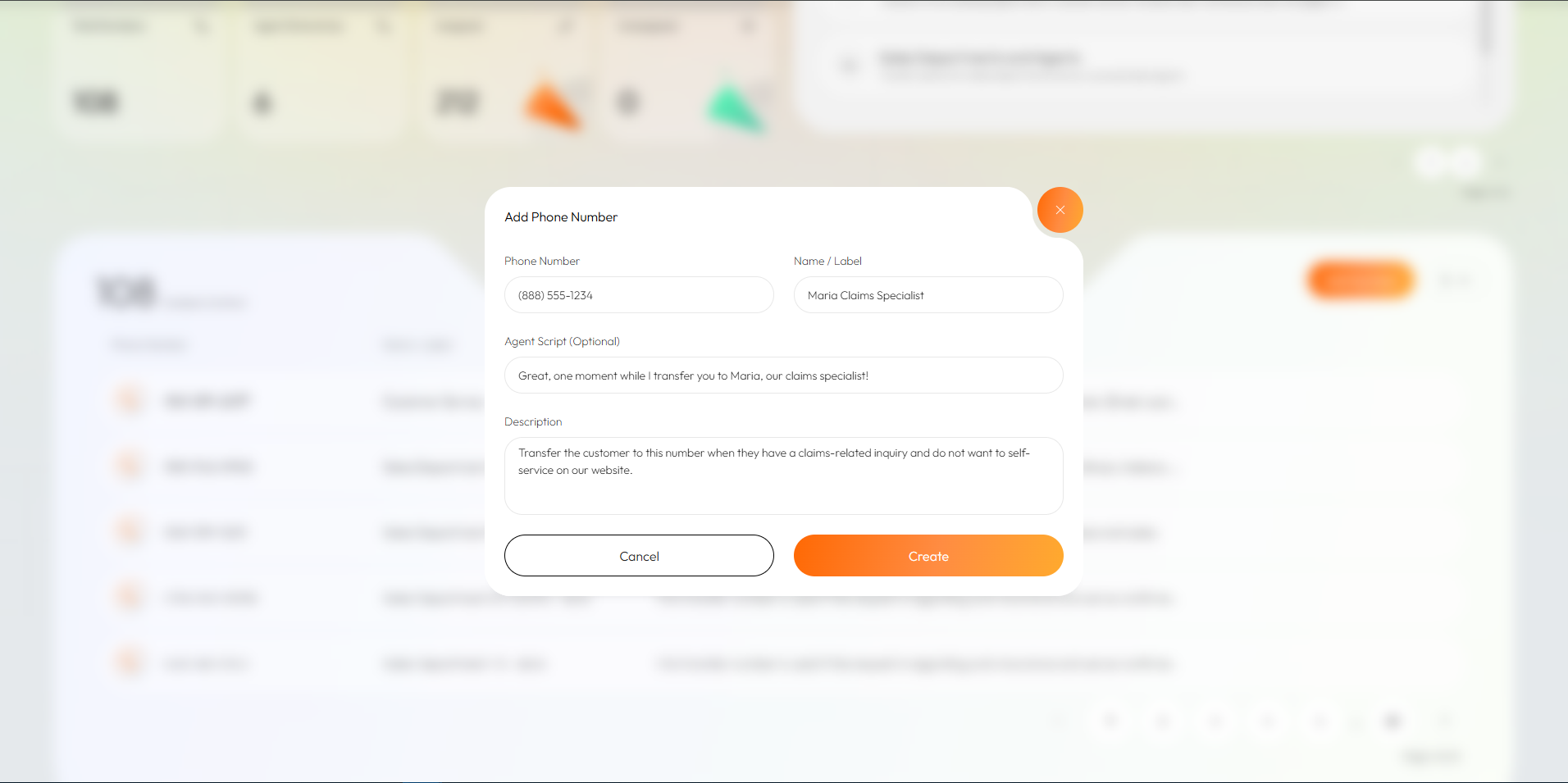
The name and description of the contact should provide some information to the ARKK Agent on what this company contact is intended for. The optional field ‘Agent Script’ is the phrase the ARKK Agent says to the customer when transferring them, which by defaults is, "One moment while I transfer you to a licensed agent."
Creating an Agent Directory
An Agent Directory is a folder that groups one or more phone numbers for your ARKK Phone Agent to access during a call. These folders typically correspond to a specific area or department, avoiding the need to expose the agent to dozens or hundreds of company contacts.
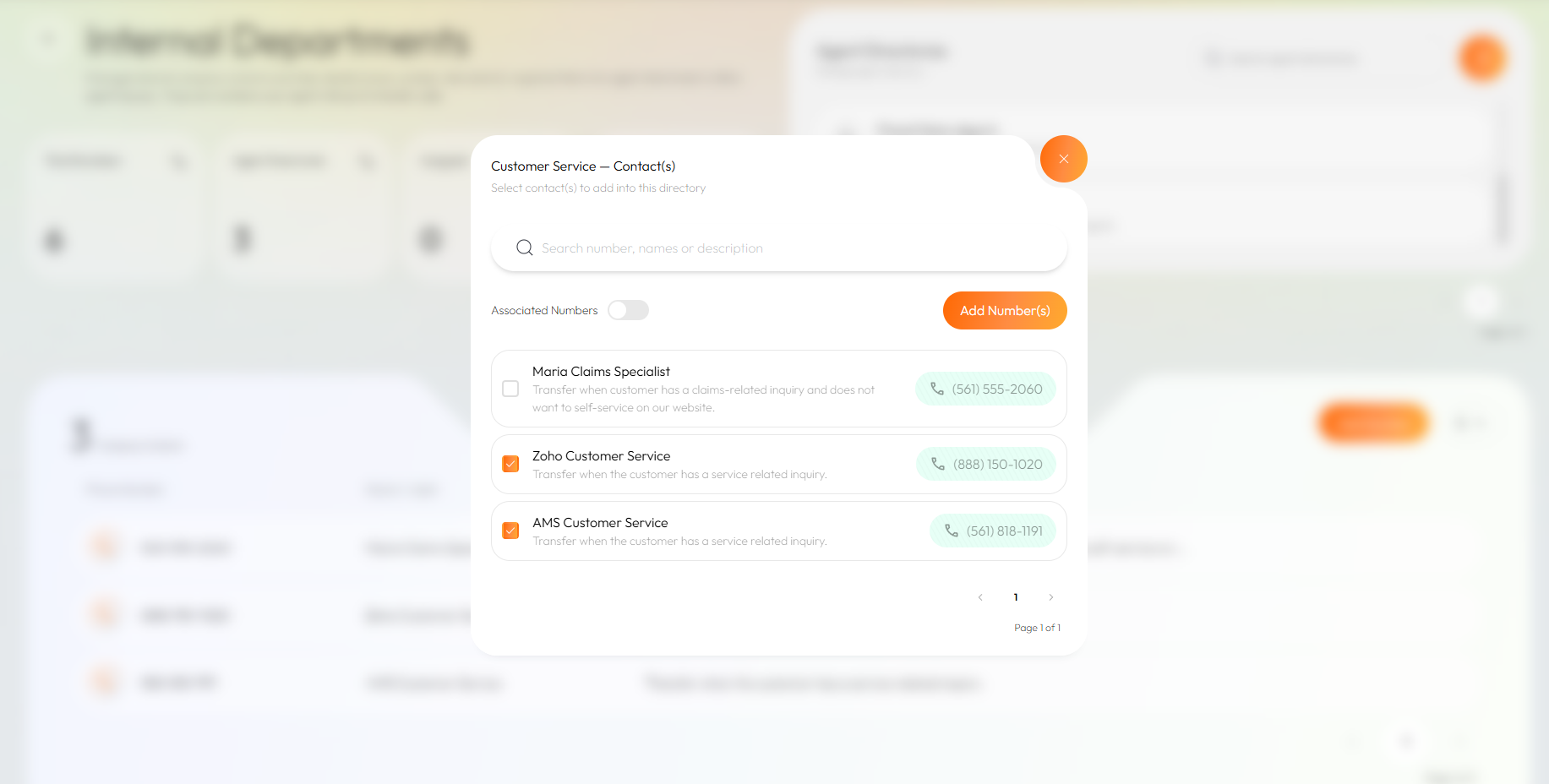
Associating Contacts to Agent Directories
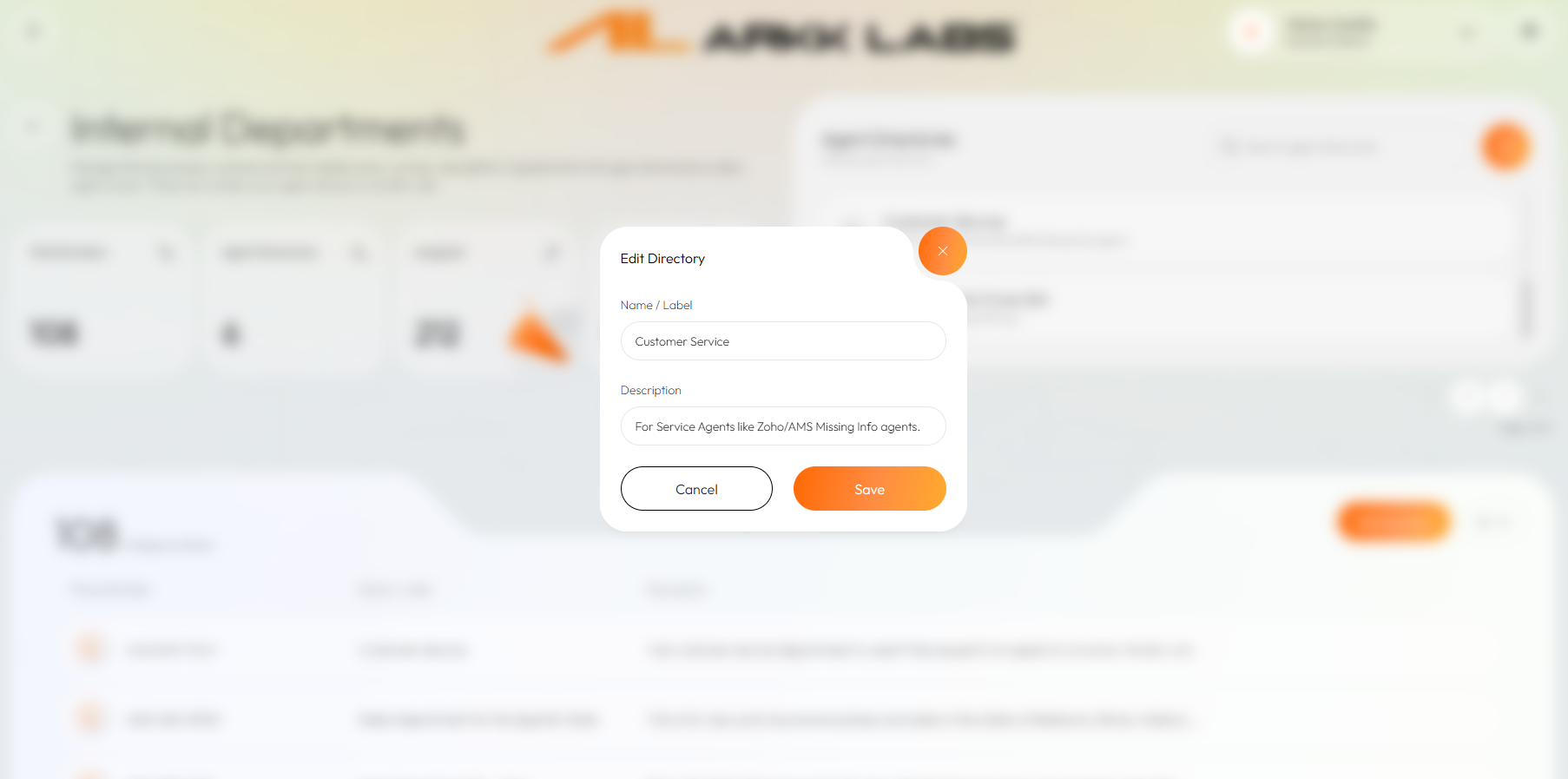
Once an agent directory is created, hover over the directory to delete, edit (name and description), or update the contacts associatewith the directory. When viewing directory contacts you can toggle between the list of contact that are already associated and available contacts to add.
Purchase Phone Numbers
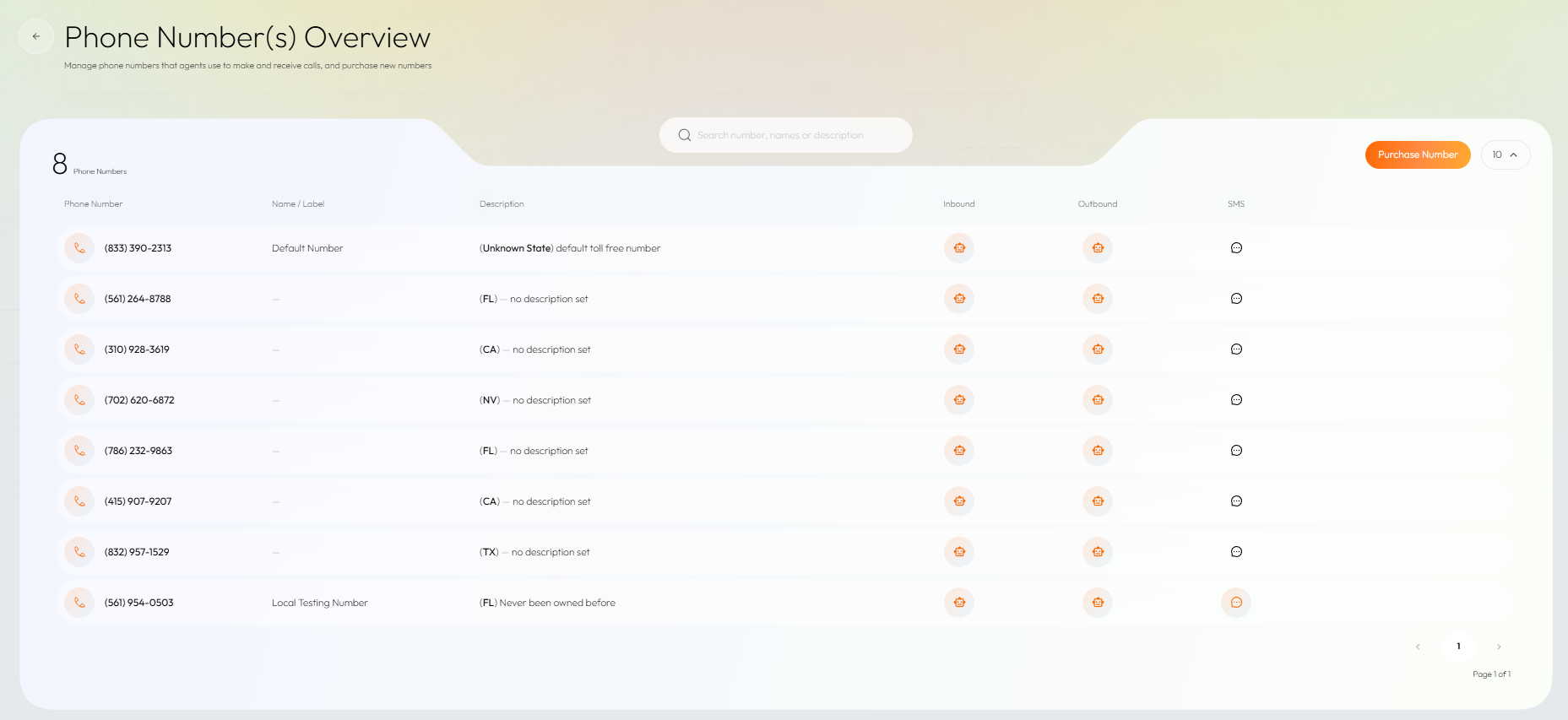
Get phone numbers for your phone agent(s) to make and receive calls. Your company starts with a toll free number, but it is encouraged that your agent uses multiple phone numbers for features like local presence. Go to ‘Phone Numbers’ from the ARKK App navigation menu, or click here. See more information on Purchasing Phone Numbers.
Create Phone Agent(s)
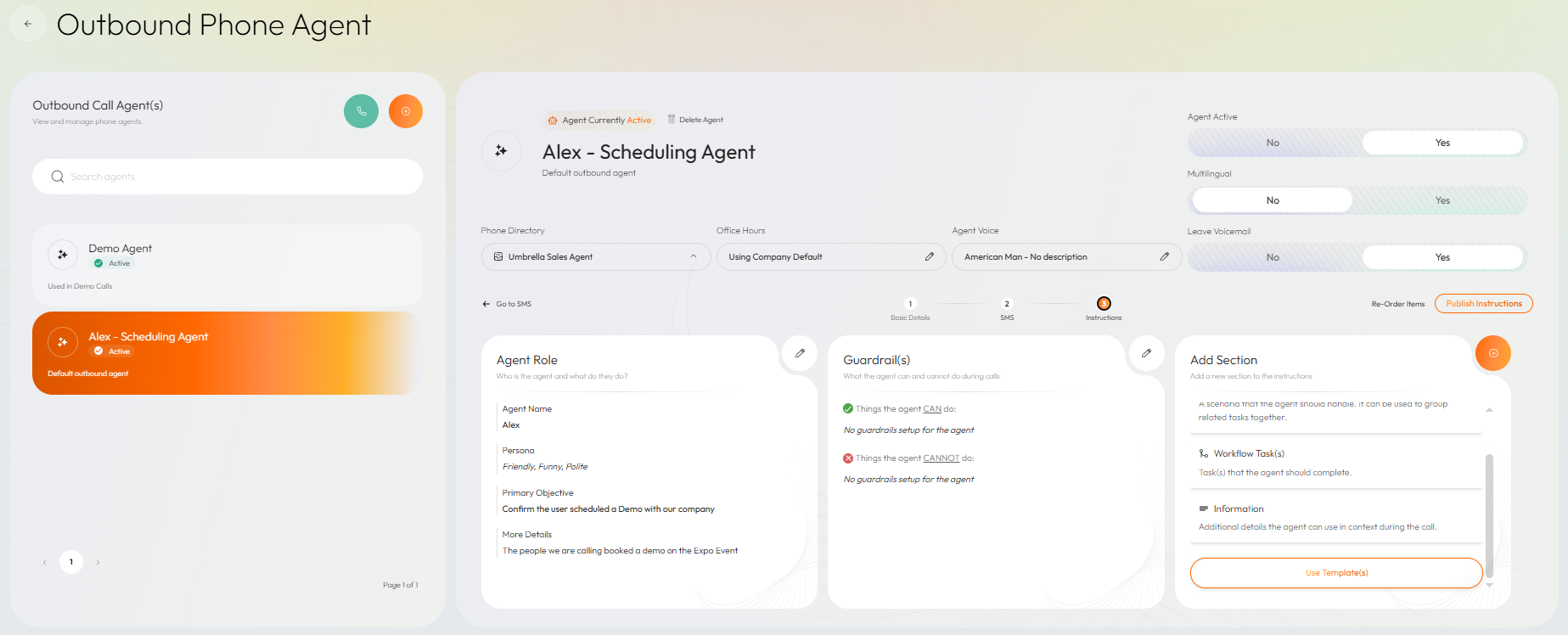
Create inbound and outbound agents using ARKK's Agent Builder, or use an existing template to get started with your first agent. See more on how to create a Phone Agent.


On this page
- Introduction