Single Page Template
We’re thrilled to introduce the Single Page Template — a flexible and focused layout option for your documentation. You now have the ability to choose between two layout styles:
- Continuous Scrolling (best for API references)
- Single Page (best for guides, tutorials, and onboarding flows)
With this new feature, you can tailor your documentation experience to best suit your content and your readers.
Benefits of the Single Page Template
- Modular Layout Each section appears on its own dedicated page, making navigation cleaner and more intuitive.
- Improved Performance Only the requested page loads, resulting in faster load times and better performance — especially for large docs.
- Clear Navigation & URLs Each section has a unique URL, making deep linking and sharing easier.
- Optimized for Guides Perfect for linear, step-by-step content like tutorials, onboarding instructions, or user walkthroughs.
- Better Readability Reduces scrolling fatigue and gives readers a more focused reading experience.
How to Activate the Single Page Template
Activating the Single Page Template is quick and easy. Just follow these steps:
1
Go to Your Dashboard
Log in to your Theneo dashboard and navigate to the project you want to update.
2
Open Project Settings
Click on the Settings tab of your selected project.
3
Go to the Features Tab
Inside Project Settings, navigate to the Features tab
4
Enable the Single Page Template
Find the toggle labeled Single Page Template and turn it on.
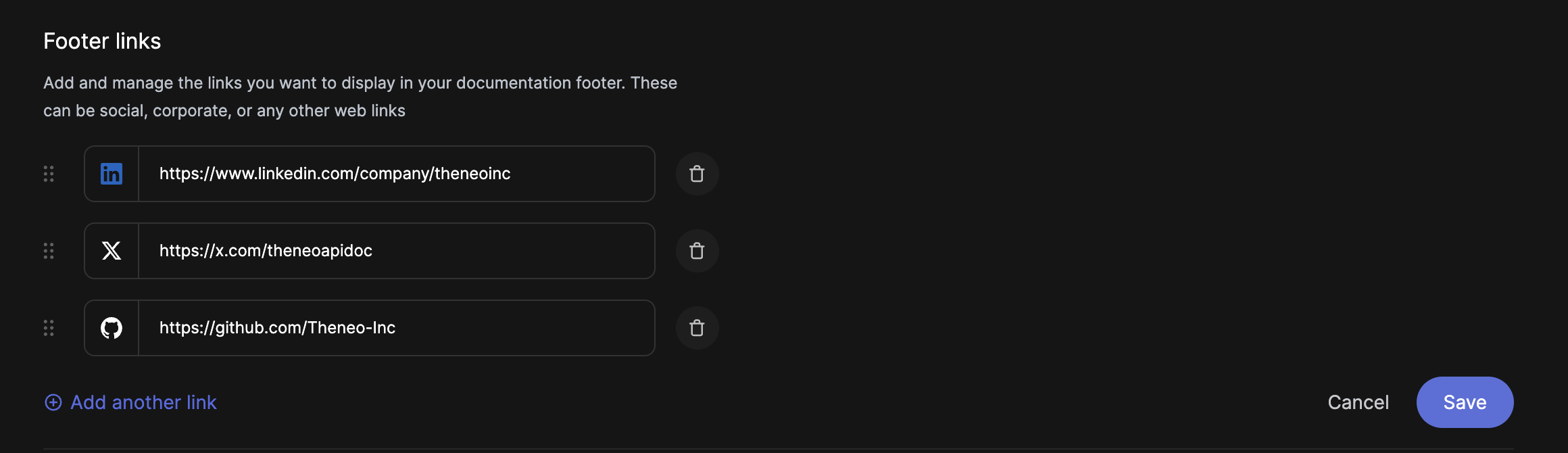
For configuraing the social media links please go to your banding configuration https://app.theneo.io/branding
Switching Back
If you ever want to switch back to the Continuous Scrolling layout, simply return to the Features tab and toggle off the Single Page Template. Your content will automatically return to the scrolling layout without data loss.


On this page
- Single Page Template