Connect Lucidlink
The Connect Lucidlink section enables users to securely link their FluxRender account with their LucidLink workspace by providing the necessary Filespace credentials. This connection allows seamless access and management of files within the LucidLink environment directly through FluxRender.
1
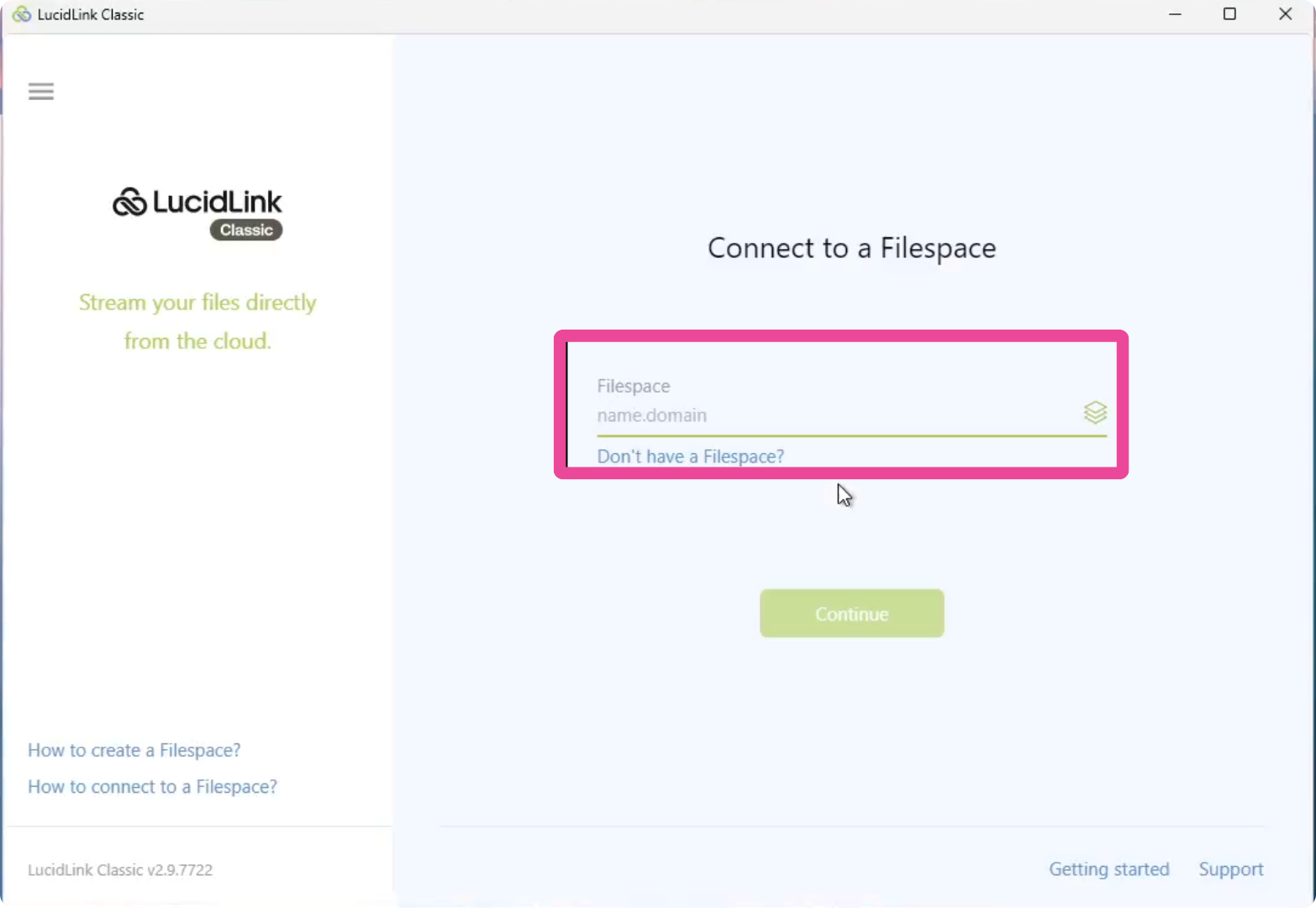
Enter the Filespace name provided by the Fluxrender team.
2
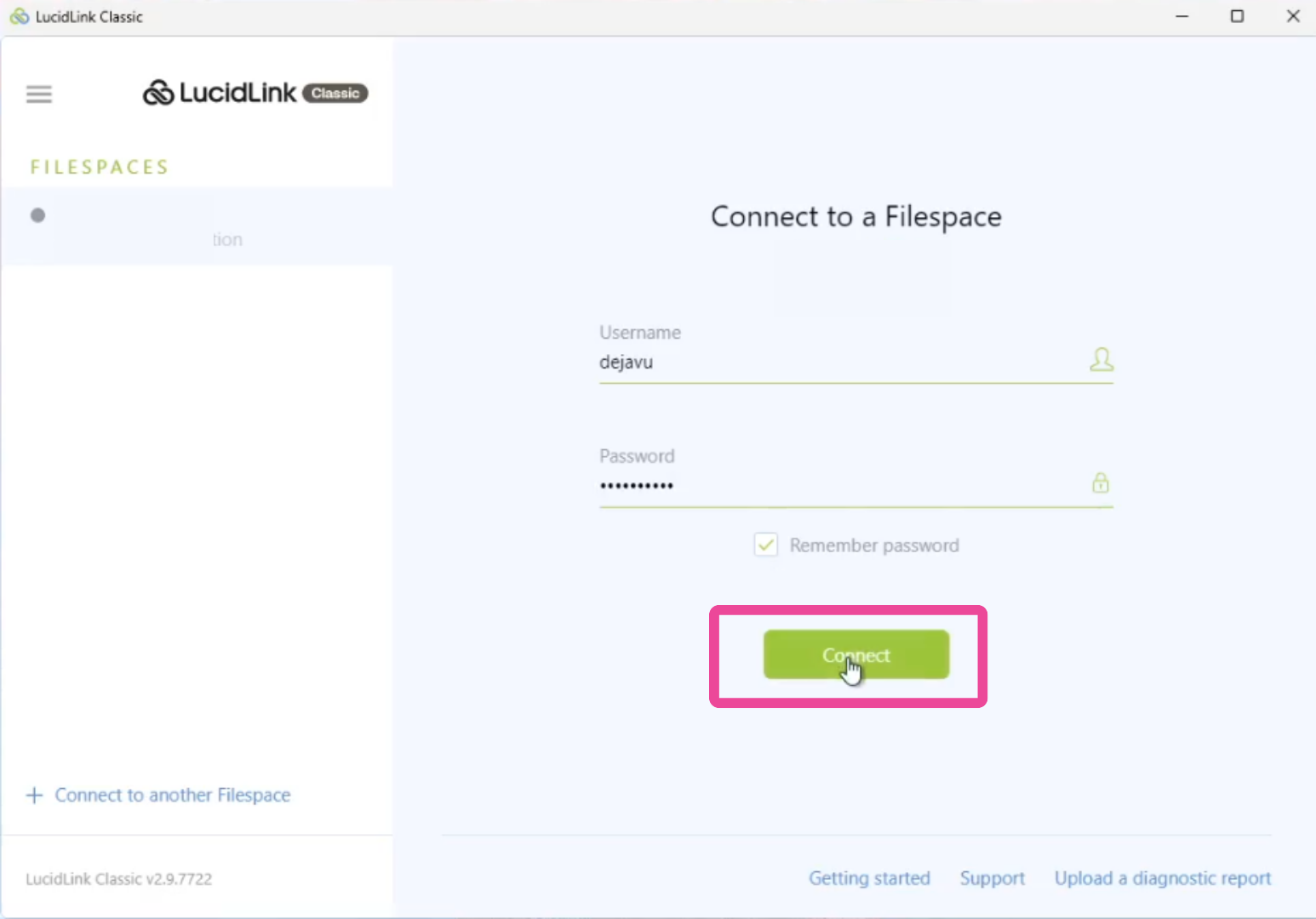
Enter your username and password, then click “Connect” to access your LucidLink workspace.
3
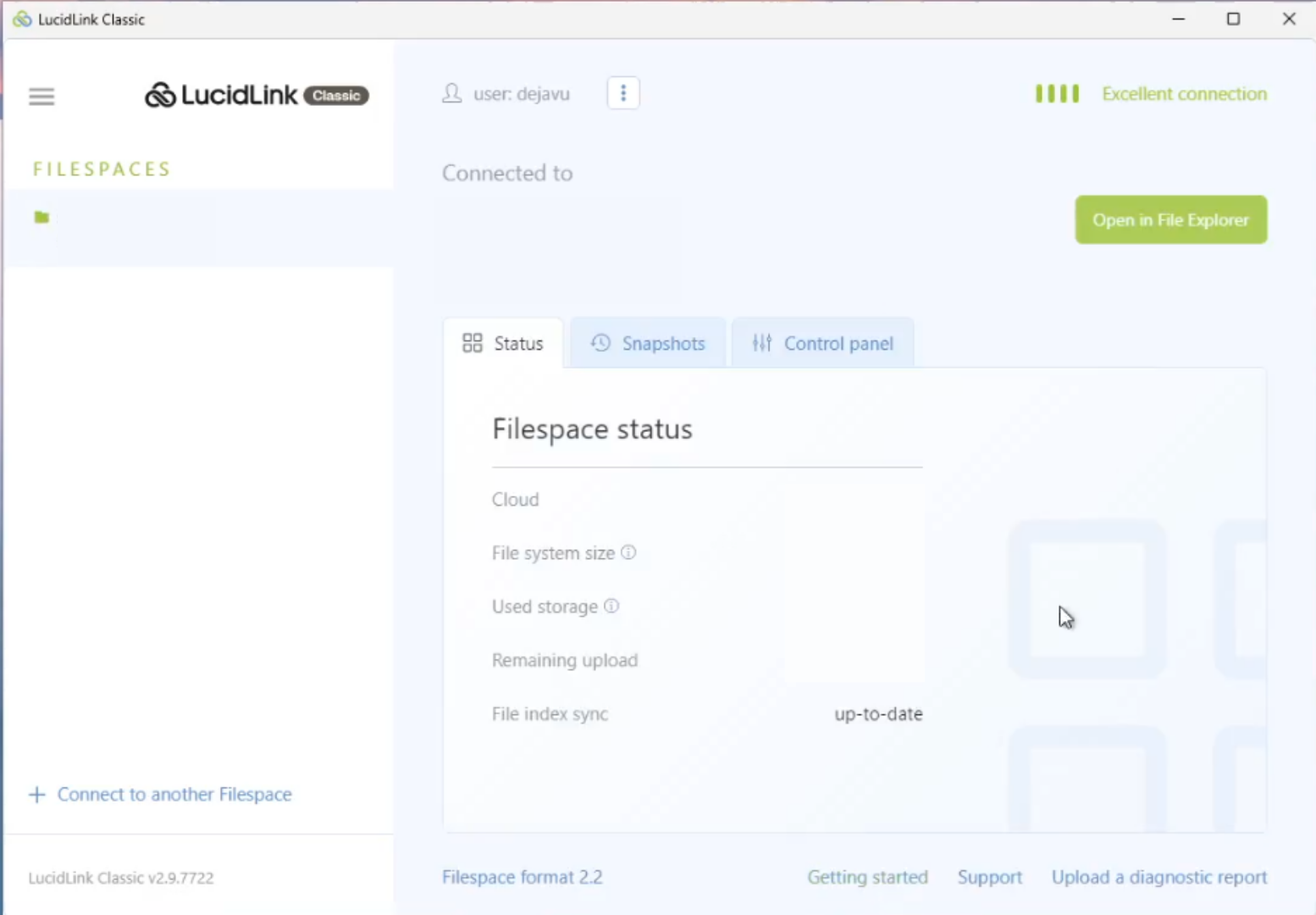
If you see this screen, LucidLink has been successfully connected to your system.
4
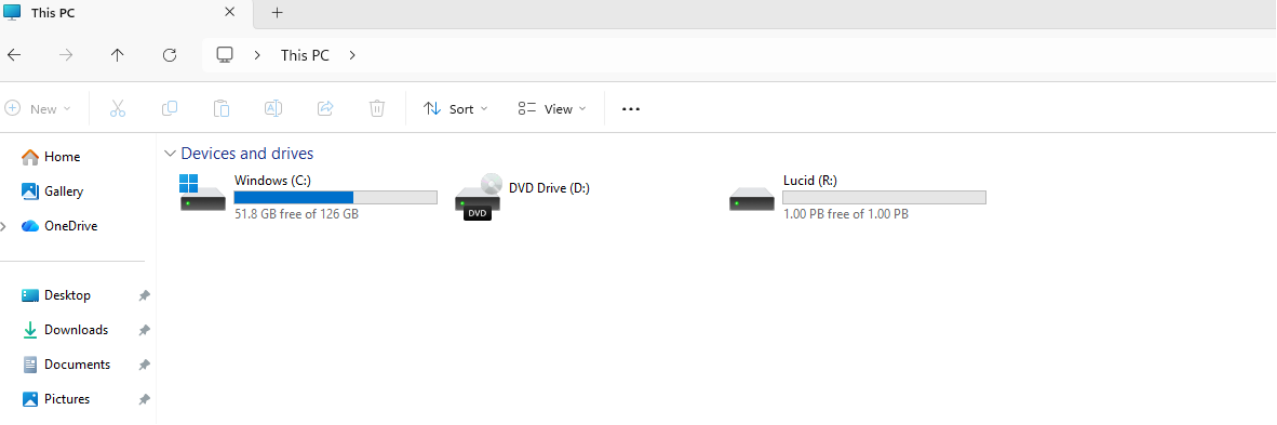
You can now access the LucidLink drive directly from your File Explorer.
Was this section helpful?


