Install Lucidlink
This section guides users through initiating the installation and setup of LucidLink within FluxRender. By following these steps, users can seamlessly launch LucidLink and configure it to integrate with their workflow, enabling efficient access to remote storage resources.
1
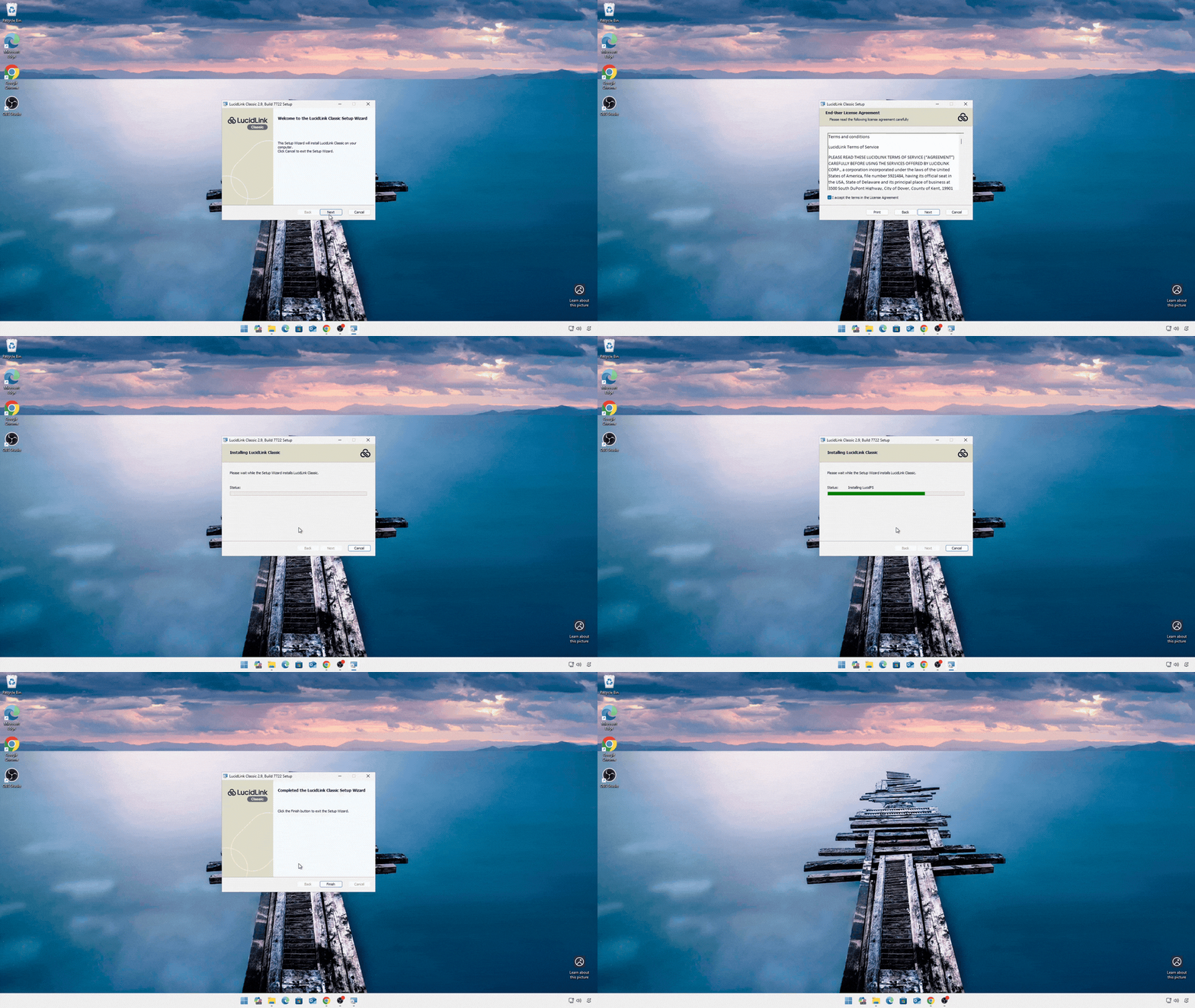
State the installation of LucidLink
2
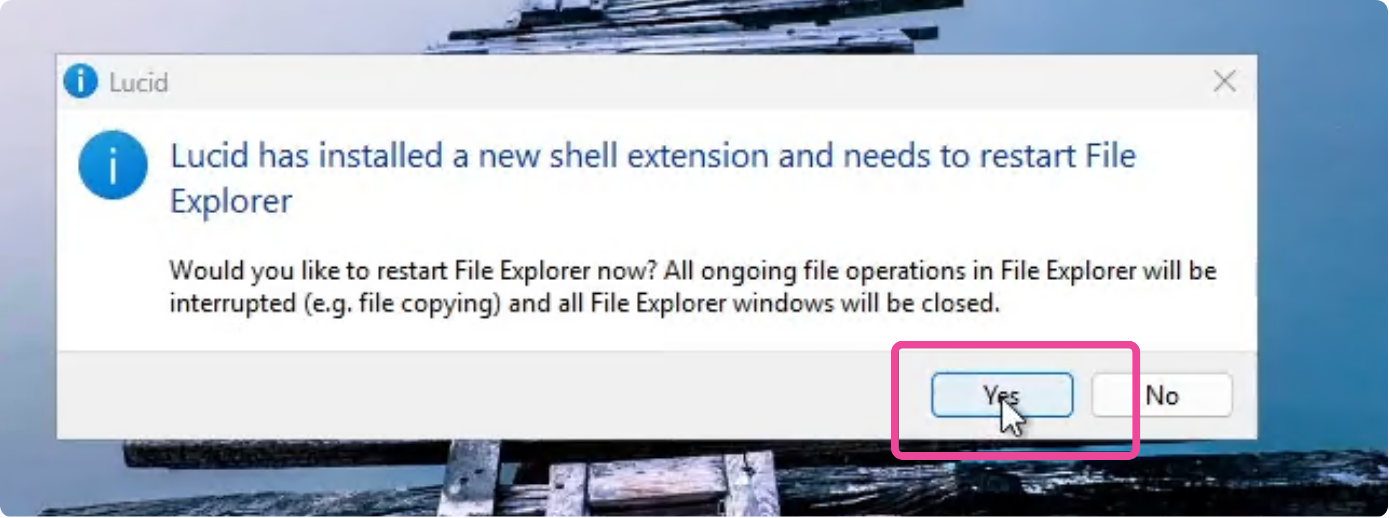
Click “Yes” to launch LucidLink and begin the setup process.
3
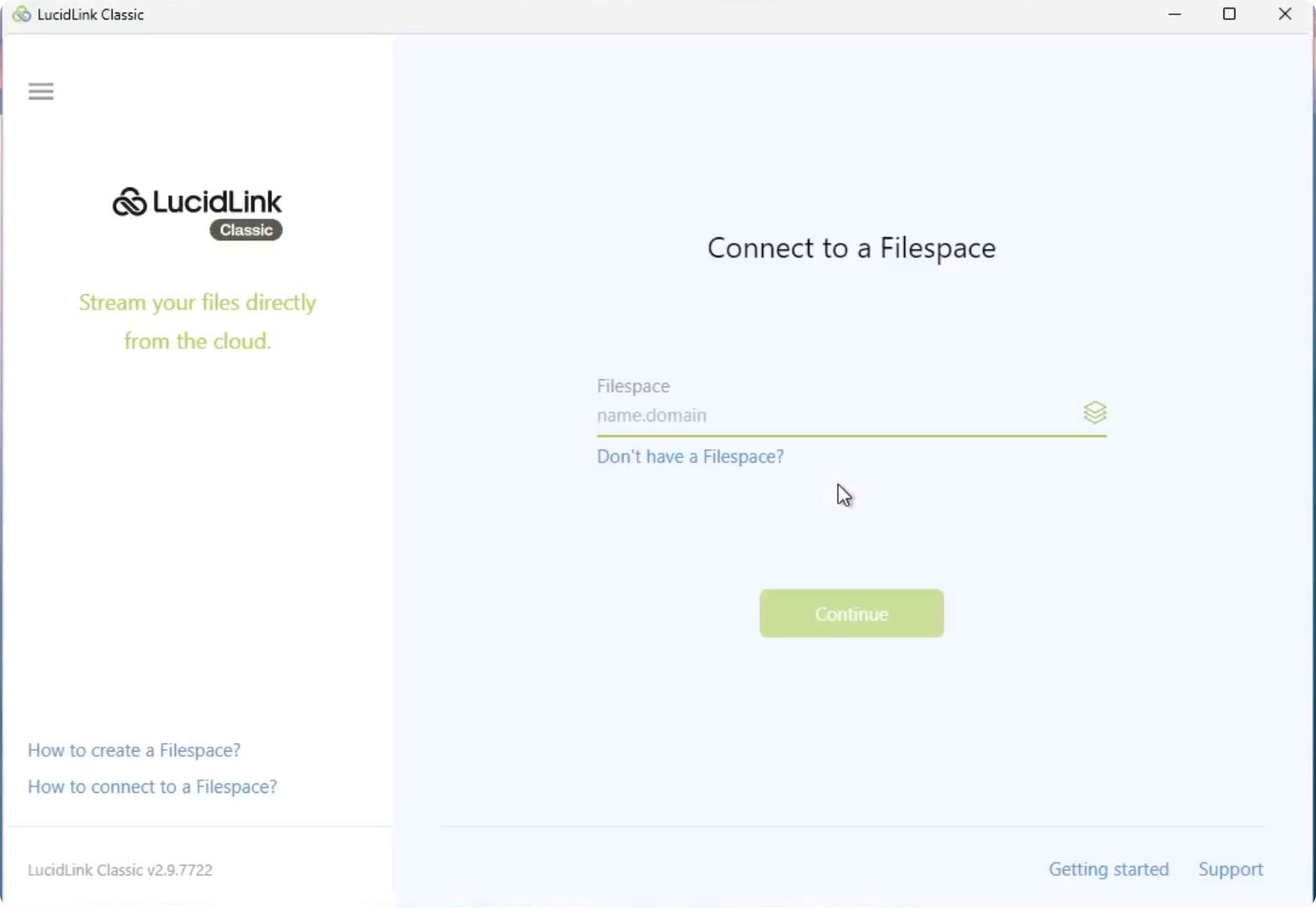
If this window appears, LucidLink has been installed successfully and is ready to use.
Was this section helpful?


