Submit your scene
Submit your main 3ds Max scene file to initiate the rendering process with FluxRender. This section enables you to upload and register your scene, ensuring it is correctly sourced from your LucidLink drive for seamless rendering.
1
Select your main 3ds Max file to submit the scene for rendering.
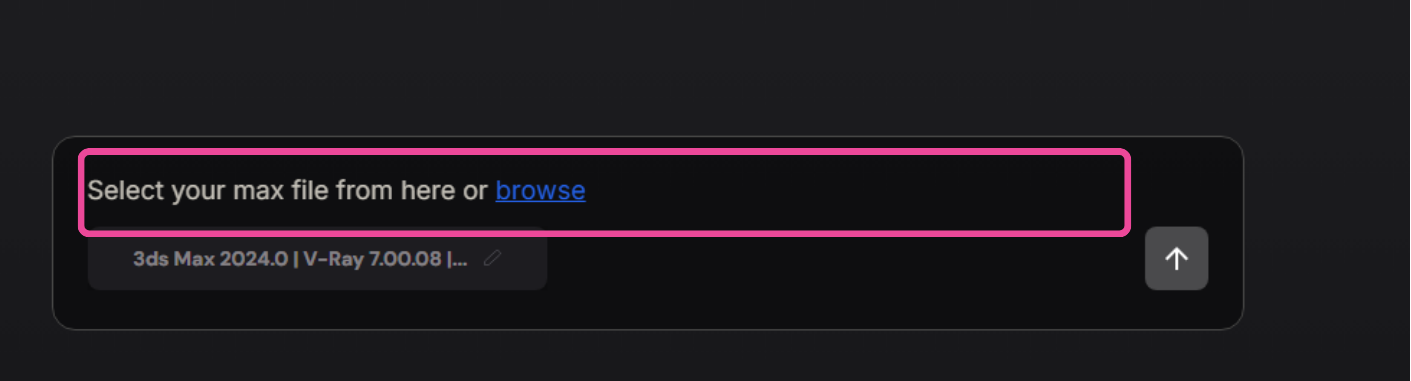
2
Please make sure you have selected the file from the LucidLink drive before proceeding with the submission.
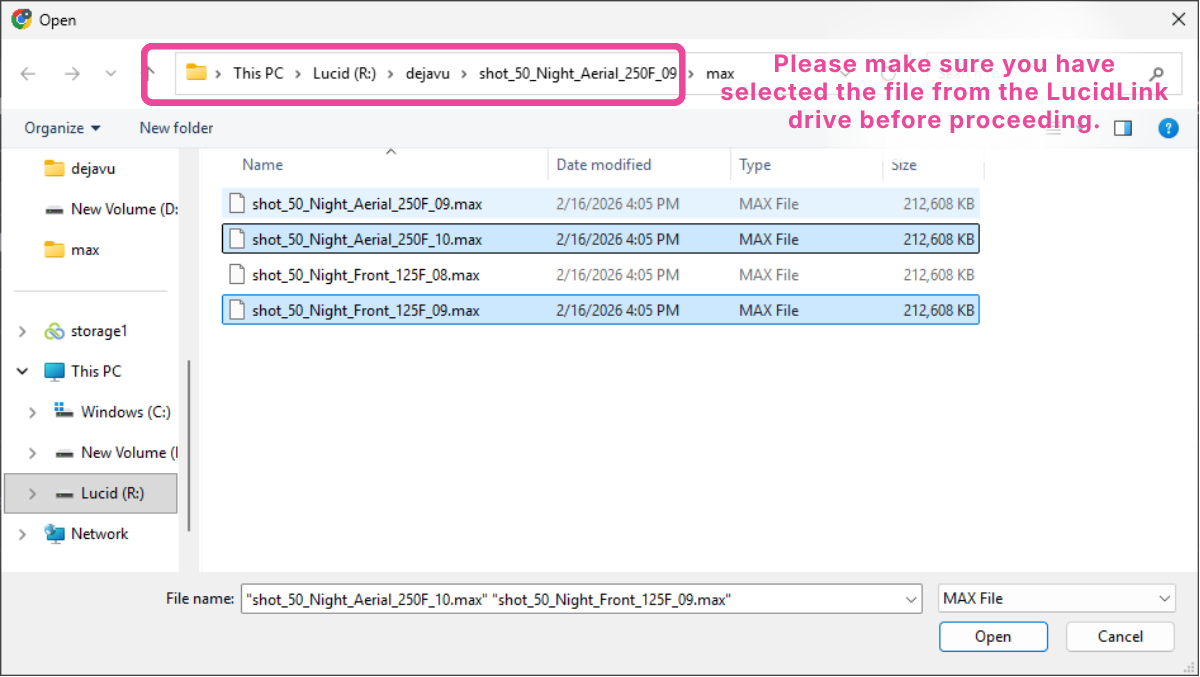
3
Submit your scene to start the test render.

4
After submitting the file, your scene will appear like this.

Was this section helpful?


On this page
- Submit your scene