How to find App IDs?
App IDs are unique identifiers that allow Similarweb’s APIs to locate and return data for specific mobile applications. Every app on iOS and Android has a distinct identifier that serves as its “address” in our system.
Why you need App IDs
- Required for all app-related API calls and data requests
- Enable precise app targeting in competitive analysis
- Essential for tracking app performance and market intelligence
Quick reference
Android | Package name | com.whatsapp |
iOS | Numeric ID | 310633997 |
App IDs are case-sensitive, especially for Android apps. Always use the exact capitalization as it appears in the app store.
Method 1: Using Similarweb APIs (recommended)
App ID Search endpoint
The fastest way to find app IDs without consuming data credits.
Endpoint: GET https://api.similarweb.com/v1/app/{store}/find-app-name/
How it works: Returns app IDs related to your search term by matching against app ID, title, or author/developer name.
  curl "https://api.similarweb.com/v1/app//find-app-name/?term=whatsapp" \
  -H "api-key: YOUR_API_KEY"
Site Related Apps endpoint
Find mobile apps associated with websites in your analysis. This endpoint consumes credits.
Use case: You’re analyzing amazon.com and want to find their mobile apps.
Endpoint: /v1/website/{domain}/related-apps
  curl "https://api.similarweb.com/v1/website/amazon.com/related-apps" \
  -H "api-key: YOUR_API_KEY"
Method 2: Extract from app store URLs
Android (Google Play Store)
1
Visit the Google Play Store page
Navigate to the app's page in the Play Store.
2
Copy the URL
Copy the full URL from your browser address bar.
3
Extract the package name
Take the value after id=.
URL structure: https://play.google.com/store/apps/details?id={PACKAGE_NAME}
https://play.google.com/store/apps/details?id=com.whatsapp | com.whatsapp | |
https://play.google.com/store/apps/details?id=com.instagram.android | com.instagram.android | |
TikTok | https://play.google.com/store/apps/details?id=com.zhiliaoapp.musically | com.zhiliaoapp.musically |
iOS (Apple App Store)
1
Visit the App Store page
Navigate to the app's page in the App Store.
2
Copy the URL
Copy the full URL from your browser address bar.
3
Extract the numeric ID
Take the value after id in the URL path.
URL structure: https://apps.apple.com/app/id{NUMERIC_ID}
https://apps.apple.com/app/id310633997 | 310633997 | |
https://apps.apple.com/app/id389801252 | 389801252 | |
TikTok | https://apps.apple.com/app/id835599320 | 835599320 |
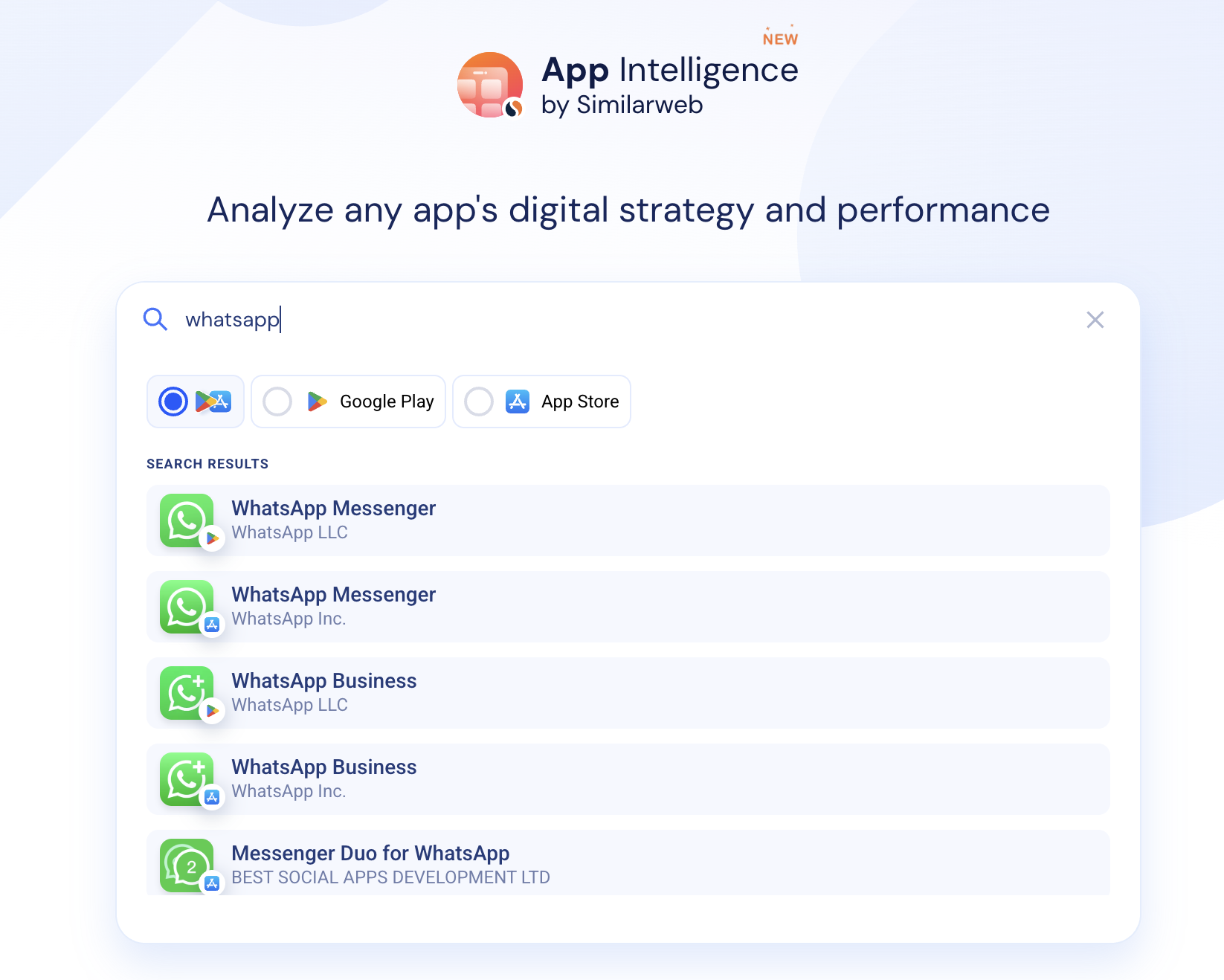
Method 3: Using the Similarweb platform


On this page
- How to find App IDs?