Getting Started
Overview
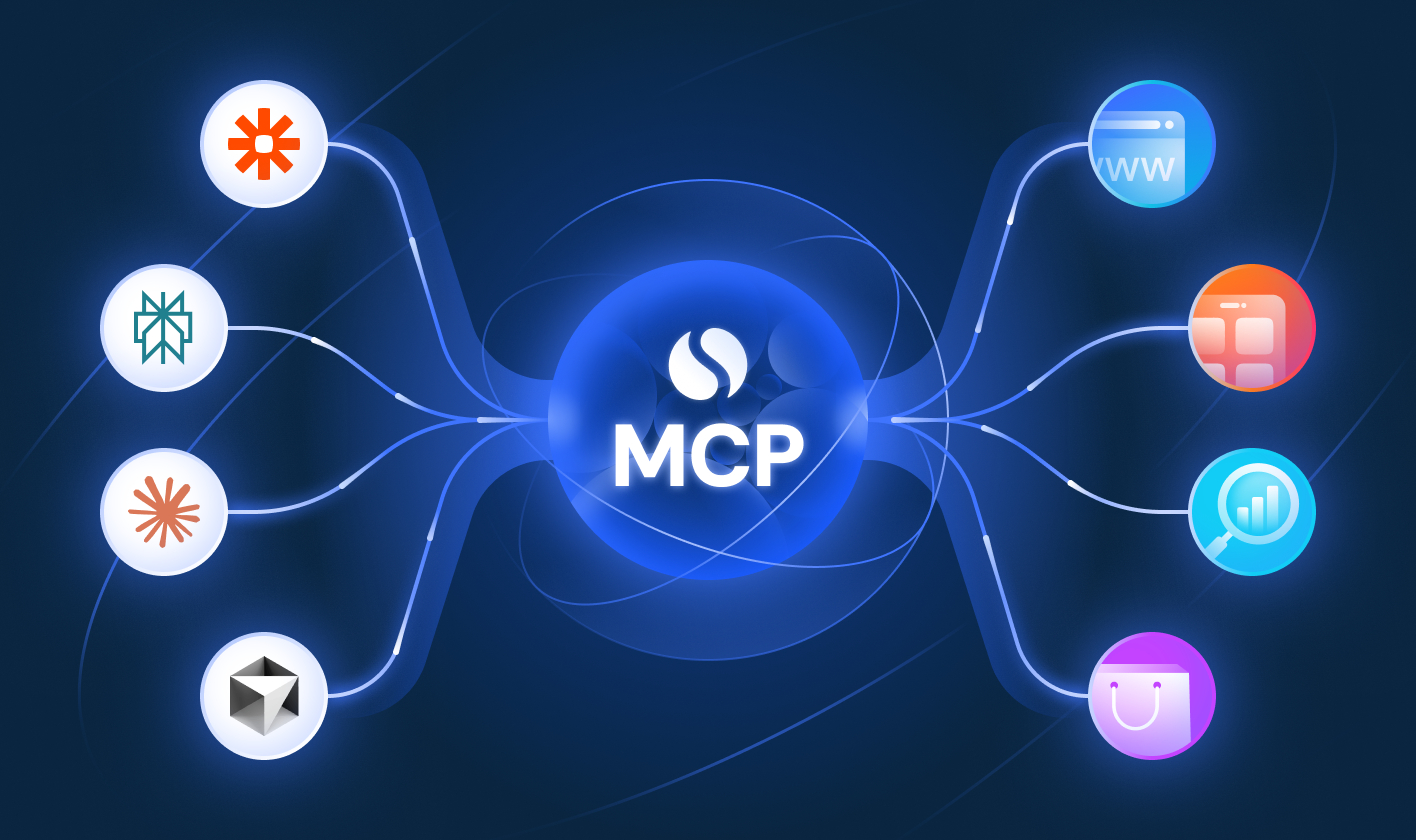
The Similarweb Model Context Protocol (MCP) Server provides seamless access to Similarweb's digital intelligence datasets through a standardized protocol. This integration enables AI assistants like Claude to directly access web analytics, traffic data, and competitive intelligence metrics without custom implementation requirements.
What is MCP?
The Model Context Protocol (MCP) is an open standard that creates universal connections between AI applications and external data sources. Think of it as a standardized adapter that allows AI assistants like Claude to securely interact with business tools and datasets through natural language requests.
Getting Started
The Similarweb MCP server is pre-configured and ready to use. The integration provides direct access to Similarweb's data through standardized tool calls.
MCP Server Endpoint: https://mcp.similarweb.com
What you'll need
- Similarweb subscription with API/MCP access: API-only, Business, or Enterprise plans.
- MCP-compatible client: Claude, ChatGPT, Cursor, Copilot, or other MCP-enabled applications.
- Similarweb login: in order to enable the MCP connection.
Available MCP Connectors
You can integrate Similarweb to leading AI tools using our official connector or a custom MCP connector We've prepared a number of guides covering some of the more popular tools :

Claude Integration Guide
How to integrate Similarweb's MCP connector in Claude

Cursor Integration Guide
How to connect Similarweb’s MCP server in Cursor

Microsoft Copilot Integration Guide
How to connect Similarweb’s MCP server in Copilot

Manus Integration Guide
How to integrate Similarweb's MCP connector in Manus

ChatGPT Integration Guide
How to integrate Similarweb's MCP connector in ChatGPT

Perplexity Integration Guide
How to connect Similarweb’s MCP connector in Perplexity
If you're interested in connecting Similarweb data to other AI tools, you can do that with a ‘custom mcp’ connection. reach out to Similarweb Support if you need help.
Data Credits & Usage
MCP uses data credits the same way standard API responses do. Credit consumption varies based on your prompts and which data is returned in the AI responses. More complex queries that pull multiple data points will consume more credits accordingly.
Available Metrics
Tool NameDescriptionAvailable Metrics
Traffic and Engagement
Get traffic and engagement metrics over time for a specific website
visits, average_visit_duration, pages_per_visit, bounce_rate, page_views, unique_visitors, new_users, returning_users
Traffic Sources
Get traffic metrics broken down by marketing channels (direct, display ads, mail, organic search, paid search, referrals, and social)
visits, average_visit_duration, pages_per_visit, bounce_rate
Website Rank
Get website rank over time for a specific website
country_rank, category, category_rank
Subdomains
Get subdomain traffic share data for a website
subdomain, share
Similar Sites
Get similar websites for a specific domain, showing domains with similar audience and traffic patterns
rank, affinity, has_adsense
Referrals
Get incoming or outgoing referral websites for a specific website, showing traffic sources or destinations
share, change
Audience Interests
Get audience-interests (also-visited websites) for a specific website
affinity, overlap, pop_change, has_adsense, domain
Audience Overlap
Get audience overlap data by comparing between 2 to 5 websites
overlap, union
Deduplicated Audience
Get deduplicated audience metrics for a specific website
total_deduplicated_audience, desktop_only_audience_share, desktop_only_audience_visitors, mobile_web_only_audience_share, mobile_web_only_audience_visitors, desktop_and_mobile_web_audience_share, desktop_and_mobile_web_audience_visitors
Leading Folders
Get leading folders traffic share data for a specific website
folder, share, change
Popular Pages
Get popular pages metrics for a specific website
share, change
PPC Spend
Get money spent monthly on paid search advertising for a specific website
ppc_spend
Segment Traffic and Engagement
Get traffic and engagement metrics over time for a specific segment of a website
visits, bounce_rate, page_views, average_visit_duration, pages_per_visit, share, unique_visitors
Segment Traffic Sources
Get segment traffic and engagement metrics over time for a specific segment of a website, broken down by marketing channels
visits, bounce_rate, page_views, average_visit_duration, pages_per_visit
Ad Networks
Get incoming or outgoing ad networks data for a specific website
share, visits
Geography
Get traffic and engagement metrics over time for a specific website, broken down by country
country, country_name, rank, share, visits, average_visit_duration, pages_per_visit, bounce_rate
Technologies
Get current technologies used by a specific domain
sub_category, pricing_model, description, first_seen_date
Demographics
Get demographics metrics for a specific website
age_18_to_24_share, age_25_to_34_share, age_35_to_44_share, age_45_to_54_share, age_55_to_64_share, age_65_plus_share, male_share, female_share
Traffic by Demographics
Get traffic metrics for a certain demographics group
share, pages_per_visit, bounce_rate, visit_duration
Tool NameDescriptionAvailable Metrics
SERP Players
The top websites driving search traffic for a specified keyword or custom keyword list
site, domain name, clicks, traffic share, serp_features, position, top_url
SERP Clicks
Clicks trend over time for each website from the top websites for their keyword or keyword groups
site, domain name, clicks, traffic share, serp_features, position, top_url
Keywords Overview
Provides an overview of keyword or keyword list performance
search volume, click distribution, competition metrics, and other key indicators
Website Keywords
Returns the keywords driving search clicks for a specified domain.
keyword, clicks, traffic_share, difficulty, competition, primary_intent, secondary_intent,
volume, cpc, zero_clicks_share, position, serp_features, top_urlTool NameDescriptionAvailable Metrics
App Install Penetration
Get the percentage of devices in a specific country with the app installed
installs %
App Store Rank
Get app store rank over time for a specific mobile app
Android and iOS store ranks
App Search
Find apps by term across Google Play and the Apple App Store
App title, publisher, app ID
App Details
Get store listing metadata for an app by ID
Title, bundle ID, publisher, website, primary/secondary category (and IDs), store URL, icons, screenshots, video URLs, description, short description, languages, contains ads, price, currency, country availability, size, in-app purchases, release date, last update date, version, privacy policy URL, ratings count, average rating
App Changelog
Get detected changes to an app’s store listing over time
Category, content rating, description, icon, permissions, price, privacy policy, publisher, release notes, screenshots, SDKs, subtitle, title, version, website
App IAB Categories
Get IAB category classifications for an app
IAB v1, v2, v3: name, type, parent ID
App SDKs
Get the SDKs detected in an app and their install/uninstall data
SDK ID, title, website, category names/IDs, install date, uninstall date, active status
App Active Users
Get estimated active users for an app
DAU, WAU, MAU
App Downloads
Get estimated store downloads for an app
Downloads
App Sessions
Get estimated session activity per user
Avg sessions count, avg session time, avg total session time, total sessions count, total sessions time
App Retention
Get the share of users still using the app in the 30 days after install
Retention %
App Install Penetration
Get the percentage of devices in a country with the app installed
Installs %
App Revenue
Get estimated revenue and ARPU for an app
Revenue, ARPU
App Ratings
Get ratings over time
Ratings count, average rating, 1–5 star share %
App Ranks
Get historical rank of an app on store top charts
Rank by chart type (top free, top paid, top grossing) and device (Android, iPhone, iPad)
App Top Charts
Get a ranked list of top apps by category on Google Play and the Apple App Store
Ranked apps by chart type (top free, top paid, top grossing), category, country, device
App Audience Demographics
Get the audience share by gender and age
Gender, age
App Audience Interests
Get apps that share the most audience with the input app
Cross-usage, affinity index
ASO Keyword Rank History
Get an app’s ranking history for up to 50 keywords
Rank, volume, difficulty
ASO Top Ranked Keywords
Get the keywords an app ranks well for
Rank, volume, difficulty
ASO Search Results
Get the top-ranking apps for a single keyword
Rank, app ID by date
Important Disclaimers
AI-generated insights and recommendations based on Similarweb MCP-delivered data or any AI-generated outputs may be:
- Incomplete, inaccurate, subject to omissions, or contextually limited based on the specific request parameters, the scope of data provided, or system behavior.
- Subject to AI interpretation and may not reflect all nuances, limitations, or the evolving nature of the underlying data.
Use of the MCP Server and any AI-generated outputs is at the user’s sole risk.
Similarweb does not guarantee and expressly disclaims all warranties, including accuracy, completeness, reliability, fitness for a particular purpose, or merchantability of MCP-delivered data or any AI-generated outputs or recommendations and shall not be responsible or liable, for any business outcomes, decisions, actions, losses, damages, or other consequences arising out of or relating to reliance upon MCP-delivered data or any AI-generated outputs or recommendations.


On this page
- Getting Started