Support & servicing readiness
Use MatchMove’s internal support portal to report incidents, request production support, or ask integration questions. Supplying complete, sanitized diagnostics accelerates time-to-resolution.
Opening an incident ticket
Learn how to raise tickets for servicing your queries regarding the MatchMove Platform.
1
Access MatchMove console
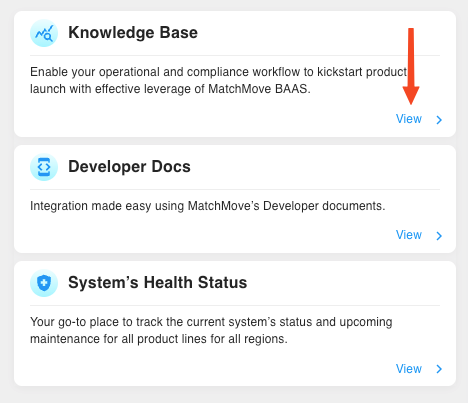
Access the support portal via the MatchMove console.
MatchMove console and status page can only be accessed via the IPs whitelisted for your access to the MatchMove admin console.
2
Create ticket
Click Create Ticket, then select the category that best matches your issue.
3
Provide incident information
Fill in the required fields, then click submit. You will receive an email with a ticket ID and a link to track its status.
For a faster resolution, ensure your systems are geared up to provide the below information for API issues encountered.
- Request identifier — the
request_idheader returned by every MatchMove API response. - Endpoint, method, and timestamp — for example,
POST /v1/cardsat2025-08-24T05:30:00Z. - Full HTTP request and response logs — include headers and a redacted body (see security notes below).
- Impact assessment — number of affected users and any user-visible errors.
Secure Ticket Logging & Redaction Guidelines
Never include the following in a ticket—paste only redacted values as per the guidance below.
Primary account numbers (PAN) | Show the first six and last four digits: |
CVV/CVC | Remove entirely. |
Bearer or secret keys | Replace all characters except forthe firstt six and last six with |
Authentication Headers | Replace all characters except for the first six and last six with |
On this page
- Support & servicing readiness