API Testing
Theneo’s API Explorer is an interactive tool that significantly simplifies the API testing process. It allows users to engage with their APIs in real-time, providing an immersive experience that bridges the gap between technical understanding and practical application. Whether you're a developer or a non-technical user, the API Explorer is designed to offer a seamless and intuitive way to explore and validate API functionality.
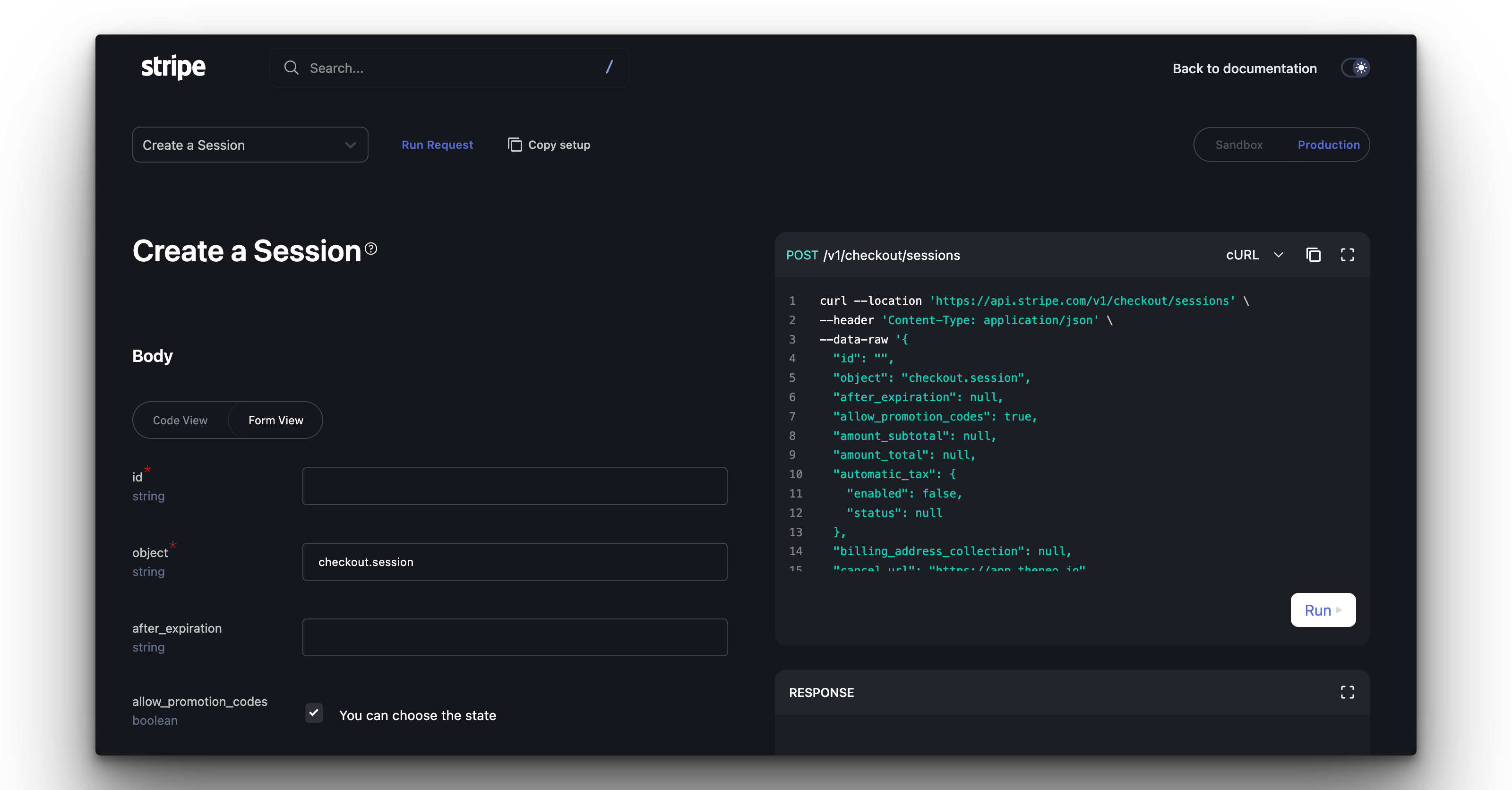
Key Features of API Explorer
Real-Time Testing
- Try in API Explorer Button: Every API request in our documentation includes a “Try in API Explorer” button, allowing instant, live interaction with your APIs.
Environment Selection
- Sandbox and Production Toggle: Test your APIs in a safe sandbox environment or in a live production setting with a simple switch.
User-Friendly Interface
- Form and Code View: Choose your comfort zone—use the Form View for a guided input experience or the Code View to enter your custom code snippets.
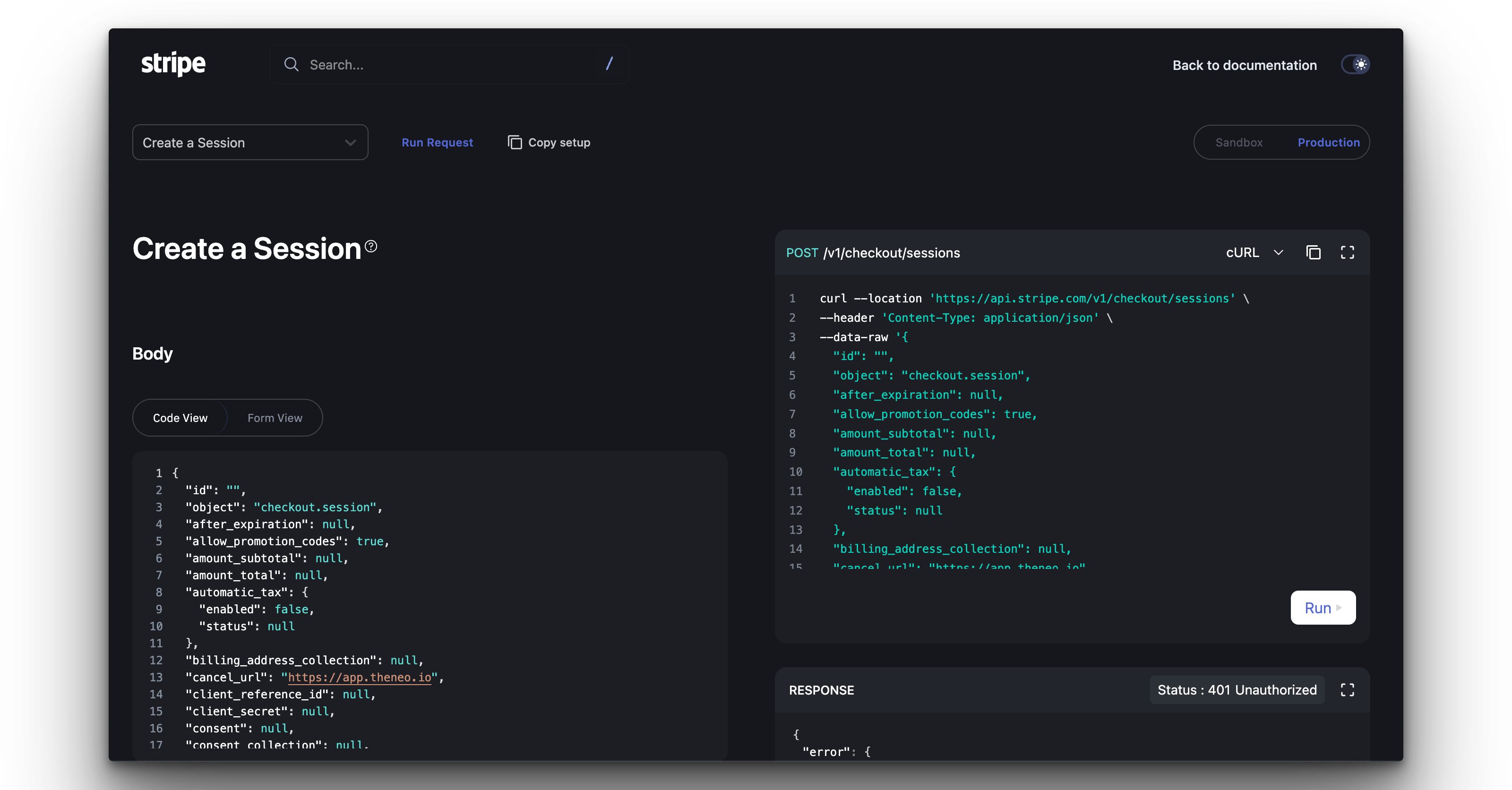
Seamless Navigation
- Effortless Section Switching: Navigate between different API sections directly in the Explorer without needing to refer back to the documentation.
Informative Fields
- Field Descriptions: Understand each parameter with clear descriptions and details provided within the Explorer.
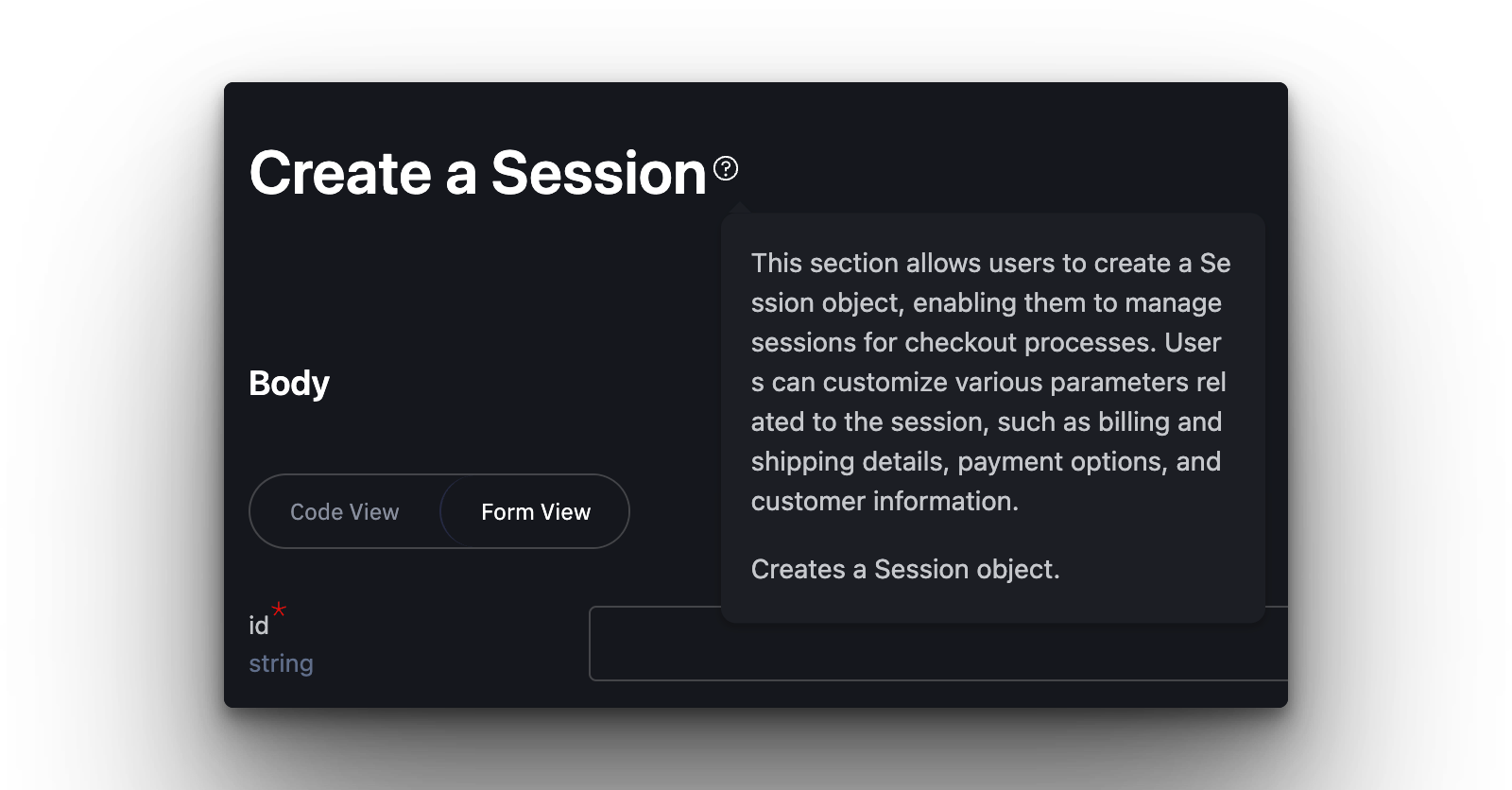
Advantages of Using API Explorer
No Setup Required
- Automatic Synchronization: Changes made in the editor or updates from your API spec are automatically reflected in the API Explorer, eliminating the need for manual setup.
Accessible to All User Levels
- Designed for Everyone: The API Explorer is crafted to be accessible to users of all skill levels, breaking down barriers to API testing.
Enhanced Learning and Debugging
- Interactive Learning: By experimenting with live API calls, users can learn more effectively and pinpoint issues on the fly.
Was this section helpful?


On this page
- API Testing