AI Export
The AI/Markdown Export feature in Theneo allows you to quickly generate Markdown versions of your documentation. Markdown files are lightweight, structured, and optimized for AI processing. By exporting your content in Markdown, you can:
- Achieve better response accuracy when using AI tools.
- Reduce token usage and improve processing speed.
- Provide AI assistants with full context of your documentation.
This feature is particularly helpful when working with AI tools like ChatGPT, Claude, Gemini, and Perplexity, as well as AI-powered code assistants such as Cursor, Codex, and Copilot.
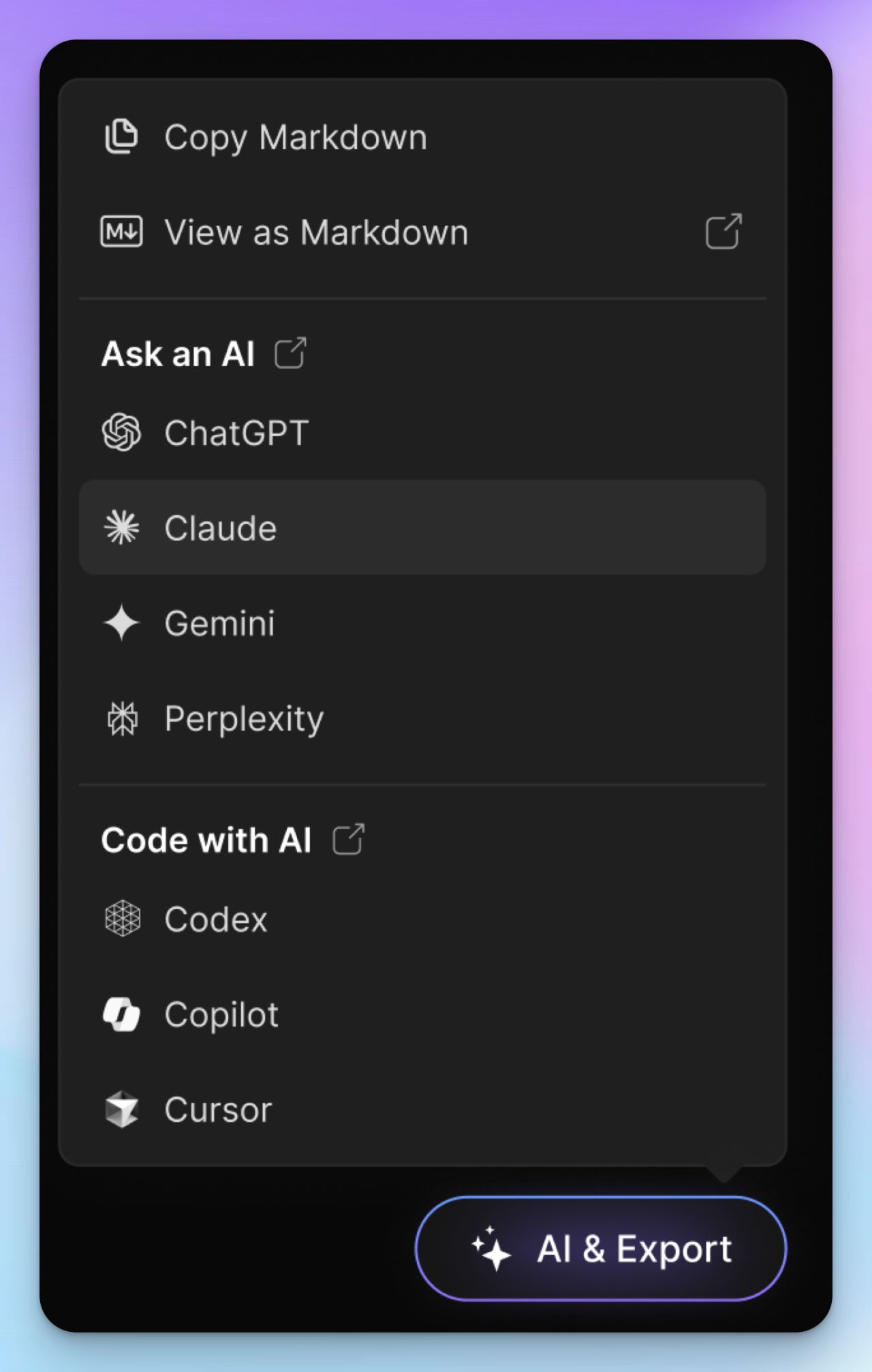
Tip: Curious to see it in action? Feel free to test the AI Export feature directly within this Theneo user guide.
How to Enable AI/Markdown Export
Follow these steps to enable and use the AI/Markdown Export functionality:
1
Step 1: Access Project Settings
- Sign in to your Theneo dashboard.
- Navigate to the project you want to enable the feature for.
- Open Project Settings → Features.
2
Step 2: Enable the AI Helper & Export
- Locate the AI Helper & Export option in the Features list.
- Toggle the switch ON.
3
Step 3: Configure Export Options
Once the feature is enabled, select which options you want to appear in the AI Export dropdown.
4
Step 4: Export Markdown
- Navigate to your project documentation pages and use the AI Export dropdown to generate a Markdown version of your content.
- You can use these Markdown files directly in AI tools.
Note: The AI/Markdown Export feature is only available for public projects.


On this page
- AI Export